
Screen Time Reduction Calculator
Turn a vague goal to use your phone less into a concrete time budget. Enter your current daily screen time and your own target to see the difference add up.
Time reclaimed each week
—
Based on your own target, not a universal limit.
- Less each target day
- —
- Reduction from current use
- —
- Target screen time per week
- —
- Projected time per year
- —
iPhone & iPad · Free
Track it in Dopamine Detox.
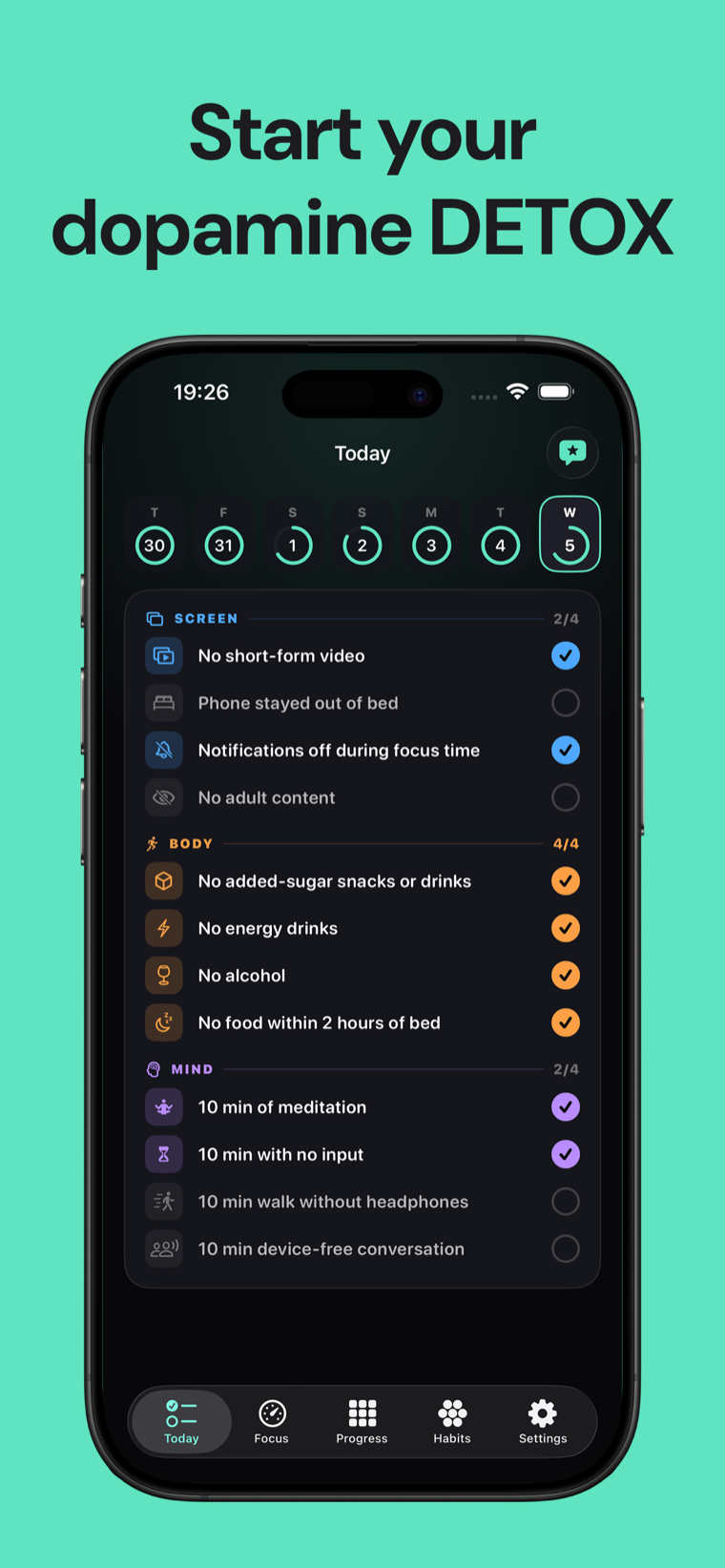
Dopamine Detox turns screen, body and mind goals into one honest daily check-in.

Build a screen-time target you can measure
There is no single daily number that fits every adult, job and device. This calculator therefore does not diagnose excessive use or choose a limit for you. It compares your current device-reported average with a target you set yourself.
Start with the daily average shown by your phone rather than a guess. On iPhone and iPad, Screen Time shows daily and weekly activity and lets you inspect which apps account for it.
The result is a time budget: the daily reduction, the hours reclaimed across the days you choose, and the same pace projected across 52 weeks. The yearly figure is a projection, not a promise.
Weekly time reclaimed = (current daily hours − target daily hours) × days per week Choose your own target. If screen use is disrupting sleep, work, relationships or safety, consider speaking with a qualified professional.
Screen time reduction calculator FAQ
How much screen time is too much?
There is no universal limit for every adult and situation. A useful starting point is whether your current use conflicts with sleep, responsibilities or time you want for something else. This calculator uses the target you choose.
Where do I find my current screen time?
On iPhone or iPad, open Settings, choose Screen Time, then See All App & Website Activity. Use a recent daily average rather than one unusually high or low day.
Why can I choose fewer than seven days?
Workdays and weekends can look different. Choose only the days when you plan to apply this target, then run the calculator again for a second schedule if needed.
Is the yearly number guaranteed?
No. It is the weekly difference multiplied by 52, so it shows what the same pace would add up to if maintained.
Does this tool read or save my Screen Time data?
No. You type the values yourself, and the calculation runs in your browser without an account.